
British television is evolving rapidly. With Sky, Virgin Media, and BT charging premium prices, more UK households are discovering IPTV as a cost-effective alternative. This comprehensive guide covers everything British viewers need to know about IPTV—from choosing providers to setup and staying on the right side of the law.
What is IPTV and How Does It Work?
IPTV (Internet Protocol Television) delivers TV content through your broadband connection rather than through aerial, satellite, or cable. Using your existing internet connection, you can access live channels, catch-up TV, and on-demand content from around the world.
For UK viewers, this means potential access to all your favourite channels—BBC, ITV, Channel 4, Sky Sports, and more—through a single service at a fraction of traditional TV costs.

Is IPTV Legal in the UK?
This is the most common question from UK viewers, and the answer requires nuance:
✅ Legal IPTV Services
IPTV technology itself is completely legal. Many legitimate services use IPTV:
- BBC iPlayer – BBC's official streaming platform
- ITVX – ITV's free streaming service
- All 4 – Channel 4's on-demand platform
- Sky Go / NOW TV – Sky's official streaming options
- BT Sport App – BT's official streaming service
⚠️ Grey Area Services
Third-party IPTV providers exist in a legal grey area. Using them for personal viewing typically doesn't result in prosecution of individual viewers in the UK. However, providers of unlicensed streams can and do face legal action.
TV Licence Considerations
Remember: If you watch live TV or BBC iPlayer content in the UK, you legally require a TV Licence (currently £169.50 per year). This applies regardless of how you access the content—through IPTV, aerial, or online.
Top IPTV Providers for UK Viewers
When choosing an IPTV service for UK content, prioritise providers that offer:
- Complete Freeview lineup (BBC, ITV, Channel 4, Channel 5)
- Sky Sports and TNT Sports for football and sports
- Sky Cinema and premium movie channels
- Good uptime during peak viewing hours (7-10 PM)
- Reliable performance during Premier League matches
How to Set Up IPTV in the UK
Step 1: Check Your Internet Speed
Before anything else, verify your broadband can handle streaming:
- Minimum for SD: 5 Mbps
- Recommended for HD: 15-25 Mbps
- 4K streaming: 50+ Mbps
Step 2: Choose Your Device
Popular IPTV devices in the UK:
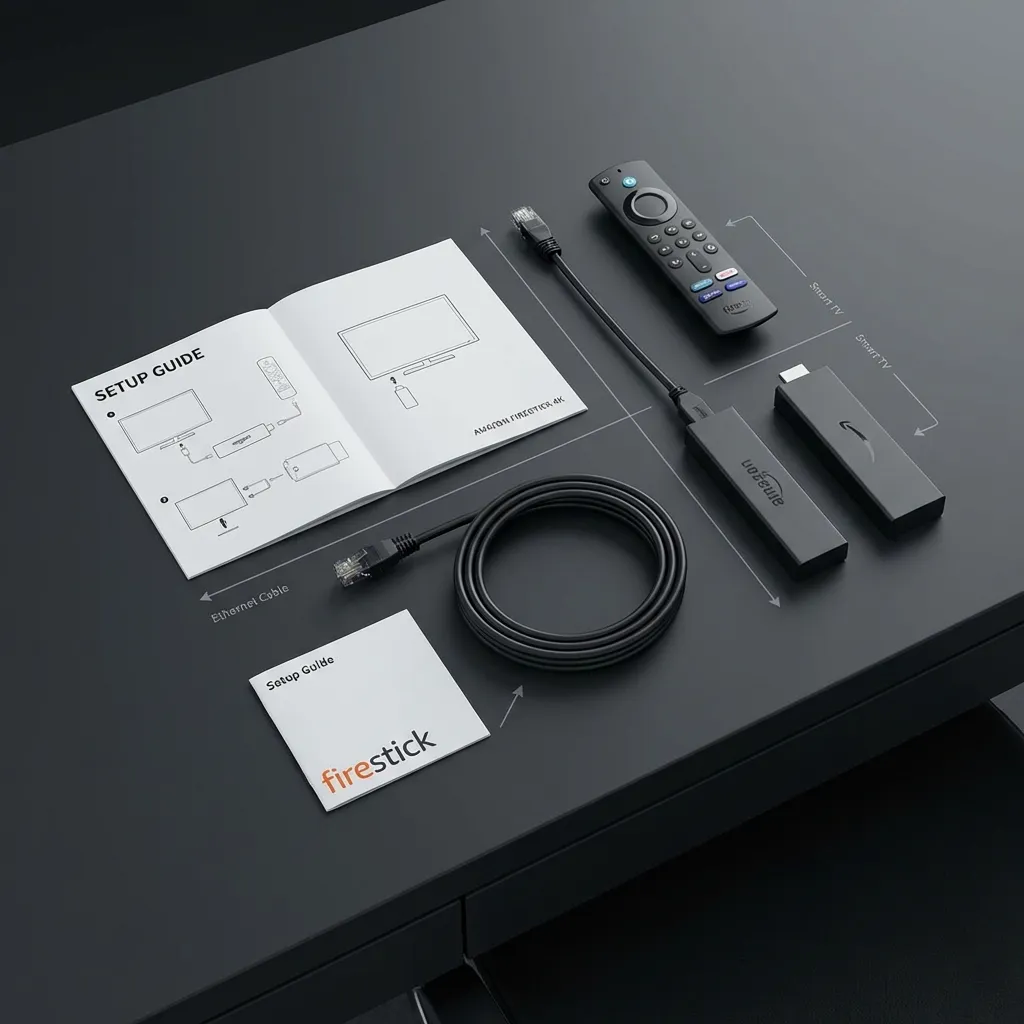
- Amazon Firestick – Most popular, affordable, easy to use
- Nvidia Shield – Premium performance, excellent for 4K
- Android TV boxes – Various price points available
- Smart TVs – Samsung and LG support many IPTV apps
- MAG boxes – Purpose-built for IPTV
Step 3: Select a Provider
Research providers carefully. Look for:
- Trial periods to test before committing
- UK-focused channel packages
- Responsive customer support (ideally in UK time zones)
- Positive reviews from other UK users
Step 4: Install Your IPTV App
Common IPTV player apps include:
- TiviMate (premium, excellent EPG)
- IPTV Smarters Pro
- XCIPTV Player
- Perfect Player
Step 5: Configure and Enjoy
Enter your subscription details (M3U URL or Xtream Codes) and start watching!
UK-Specific Channels to Expect
A quality UK IPTV service should include:
Free-to-Air Channels
- BBC One, BBC Two, BBC Three, BBC Four, BBC News
- ITV, ITV2, ITV3, ITV4, ITVBe
- Channel 4, E4, More4, Film4
- Channel 5, 5USA, 5STAR, 5Action
Sports Channels
- Sky Sports Main Event, Premier League, Football, F1, Cricket, Golf
- TNT Sports 1, 2, 3, 4 (Champions League, Europa League)
- Eurosport 1 & 2
- Racing TV, Sky Sports Racing
Entertainment & Movies
- Sky Atlantic, Sky One, Sky Two
- Sky Cinema (all variants)
- Comedy Central, MTV, Dave, Gold
- Discovery, National Geographic, History
Tips for UK IPTV Users
1. Consider a VPN
A VPN can prevent your ISP from seeing what you're streaming and may help avoid throttling during busy periods.
2. Test During Football Matches
The ultimate stress test for any UK IPTV service is Premier League Saturday at 3 PM. If a provider performs well then, it's reliable.
3. Have Backup Options
Consider keeping a Freeview aerial or using official catch-up apps as backup for important events.
4. Check Regional Variations
If you need Scottish, Welsh, or Northern Irish regional BBC/ITV variants, verify your provider offers them.
Try Apex IPTV for UK Content
Experience our comprehensive UK channel lineup with a free 12-hour trial. No commitment required.
Start Free Trial