
The American television landscape is undergoing a massive transformation. With cable bills averaging over $100 monthly and streaming fatigue from juggling multiple subscriptions, IPTV has emerged as a compelling alternative for US households. This comprehensive guide covers everything American viewers need to know about IPTV in 2025.

What is IPTV and How Does It Work in the USA?
IPTV (Internet Protocol Television) delivers television content through your internet connection rather than traditional cable infrastructure or satellite signals. Instead of receiving broadcasts through antennas or dedicated cables, IPTV streams content in real-time from internet servers.
For American viewers, this means access to live TV channels, on-demand content, and often international programming—all through a single service and internet connection you already pay for.
How IPTV Differs from Cable
| Feature | Traditional Cable | IPTV |
|---|---|---|
| Delivery Method | Coaxial cable or satellite | Internet connection |
| Average Monthly Cost | $100-$200+ | $10-$25 |
| Contract Required | Usually 1-2 years | Monthly, no contracts |
| Equipment | Cable box (rental fees) | Any streaming device |
| Portability | Home only | Anywhere with internet |
Types of IPTV Services Available in the USA
1. Live TV IPTV
Real-time streaming of television channels, including news, sports, entertainment, and specialty programming. This mirrors the traditional cable experience but at a fraction of the cost.
2. Video on Demand (VOD)
Access to extensive libraries of movies, TV series, documentaries, and special content that can be watched anytime. Many IPTV services include thousands of titles in their VOD sections.
3. Time-Shifted TV (Catch-Up)
The ability to watch programs that aired within the last 24-72 hours. Perfect for catching up on shows you missed during live broadcast.
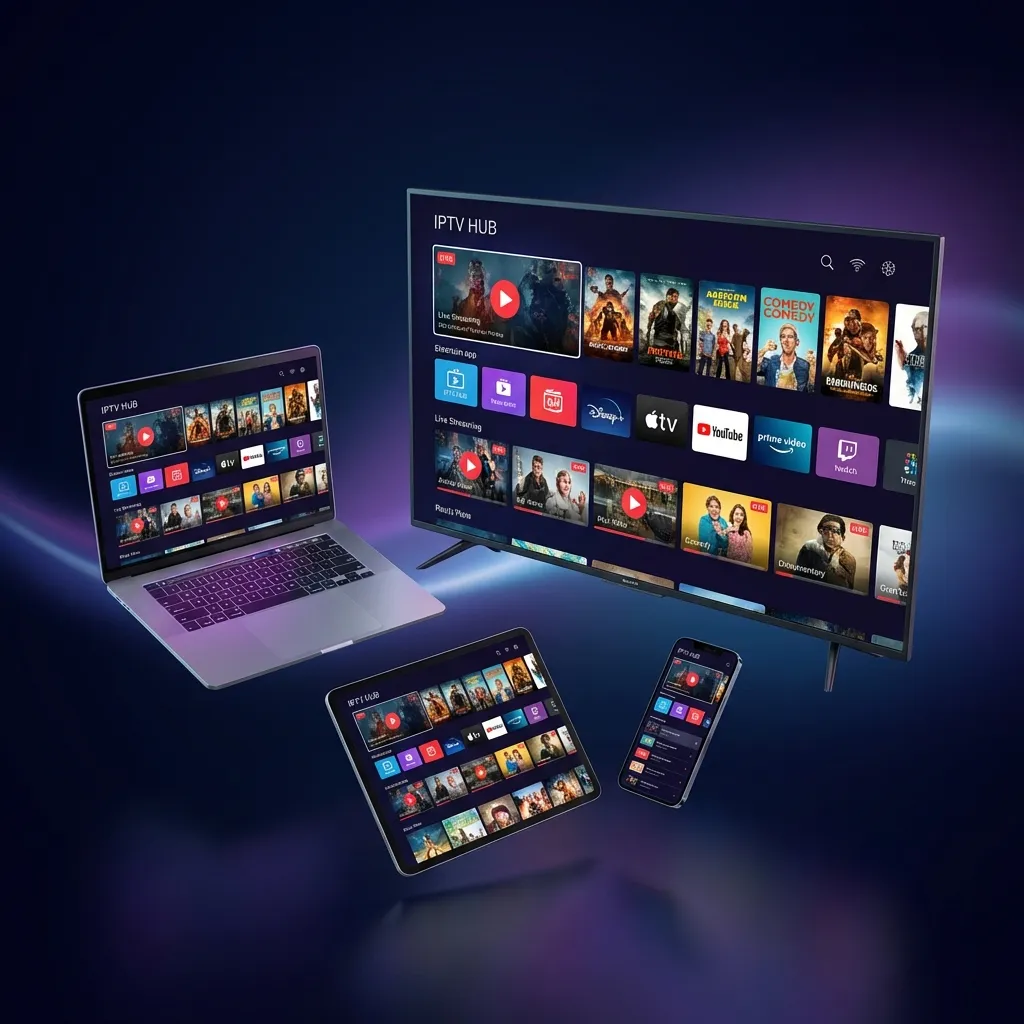
What American Viewers Get with IPTV
A quality IPTV service for US viewers typically includes:
- US Network Channels: ABC, CBS, NBC, FOX, and local affiliates
- Sports Networks: ESPN (all variants), Fox Sports, NFL Network, NBA TV, MLB Network
- Premium Channels: HBO, Showtime, Starz, Cinemax
- News Channels: CNN, MSNBC, Fox News, CNBC
- Entertainment: Discovery, History, A&E, AMC, FX
- Kids Programming: Disney, Cartoon Network, Nickelodeon
- International Content: UK, Canadian, and global channels
📺 Channel Count Matters Less Than Quality
Don't be swayed by services advertising "50,000+ channels." What matters is having the specific channels you watch, in high quality, with reliable uptime. A service with 5,000 well-curated channels often provides better value than one with 50,000 channels you'll never watch.
Do You Need a VPN for IPTV in the USA?
VPN usage with IPTV is a common question among American users. Here's the straightforward answer:
When a VPN Helps
- ISP Throttling: Some ISPs slow down streaming traffic during peak hours. A VPN encrypts your traffic, preventing targeted throttling.
- Privacy Protection: VPNs prevent your ISP from logging your streaming activity.
- Public WiFi: When streaming outside your home, a VPN adds essential security.
When a VPN May Not Be Necessary
- Your ISP doesn't throttle streaming traffic
- You have a fast, stable home internet connection
- Privacy isn't a primary concern for you
Choosing the Best IPTV Provider for USA
With numerous providers targeting American viewers, here's what to evaluate:
Content Selection
Ensure the provider offers:
- Your must-have channels (check specific sports leagues, news networks)
- Local channels for your market
- Quality VOD library if on-demand matters to you
Streaming Quality
- HD (1080p) should be standard for all major channels
- 4K availability for select content is a bonus
- Consistent quality without constant buffering
Reliability
- Uptime track record (99%+ is the target)
- Performance during major events (Super Bowl, playoffs)
- Server redundancy for consistent access
Customer Support
- Response time under 2 hours for issues
- Multiple contact methods (chat, WhatsApp, email)
- Support during US time zones
How to Install IPTV in the USA
Installation is straightforward on most devices:
Amazon Firestick / Fire TV
- Enable "Apps from Unknown Sources" in Settings
- Download the Downloader app from Amazon Appstore
- Use Downloader to install your preferred IPTV player
- Enter your subscription credentials
Smart TVs (Samsung, LG, etc.)
- Navigate to your TV's app store
- Search for compatible IPTV players (Smart IPTV, IPTV Smarters)
- Install and configure with your provider's details
Android Devices
- Go to Google Play Store
- Download an IPTV player app
- Enter M3U URL or Xtream Codes login
Internet Requirements for US IPTV Streaming
Your internet connection quality directly impacts streaming experience:
- Minimum for SD: 10 Mbps
- Recommended for HD: 25 Mbps
- Optimal for 4K: 50+ Mbps
- Multiple simultaneous streams: Add 15-20 Mbps per additional stream
Common Challenges and Solutions
Buffering During Peak Hours
Solution: Consider a VPN to prevent ISP throttling, or contact your provider about alternative server options.
Missing Local Channels
Solution: Supplement with an HD antenna for local over-the-air broadcasts, or verify local channel availability before subscribing.
Sports Blackouts
Solution: Understand that some regional sports may have blackout restrictions. A VPN can sometimes help, but check your provider's specific offerings.

Is IPTV Safe to Pay For?
When dealing with reputable providers, IPTV payments are as safe as any online transaction. Look for these trust indicators:
- Secure payment processing (PayPal, Stripe)
- Clear refund policies
- Established customer reviews
- Responsive customer support
Ready to Try IPTV in the USA?
Experience Apex IPTV with our 12-hour free trial. No commitment, no credit card required.
Start Free Trial