
IPTV Smarters Pro is one of the most popular free IPTV players, known for its intuitive interface and reliable performance. This guide shows you exactly how to install and configure IPTV Smarters Pro on your Amazon Firestick for the best streaming experience.

Why Choose IPTV Smarters Pro?
- ✅ Completely Free – No premium version or subscriptions
- ✅ User-Friendly – Clean, easy-to-navigate interface
- ✅ Xtream Codes Compatible – Works with most IPTV providers
- ✅ Separate Sections – Live TV, Movies, and Series organized
- ✅ Multi-Playlist – Add unlimited IPTV subscriptions
- ✅ Parental Controls – Lock specific content
What You'll Need
- Amazon Firestick (any generation)
- Stable internet connection
- IPTV subscription with Xtream Codes or M3U URL
Part 1: Prepare Your Firestick
Enable Apps from Unknown Sources
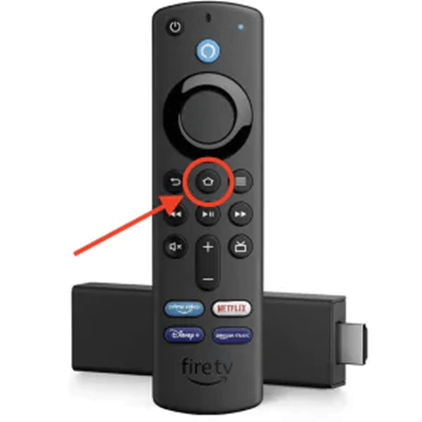
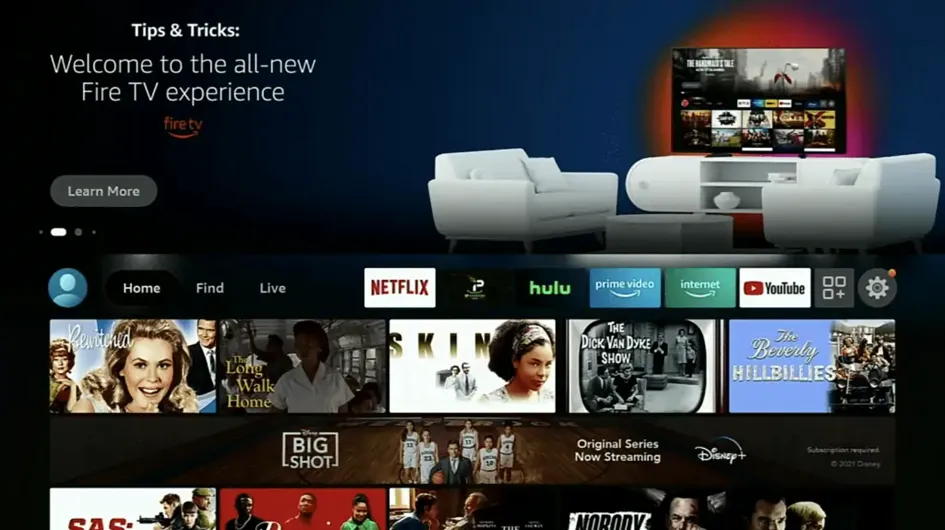
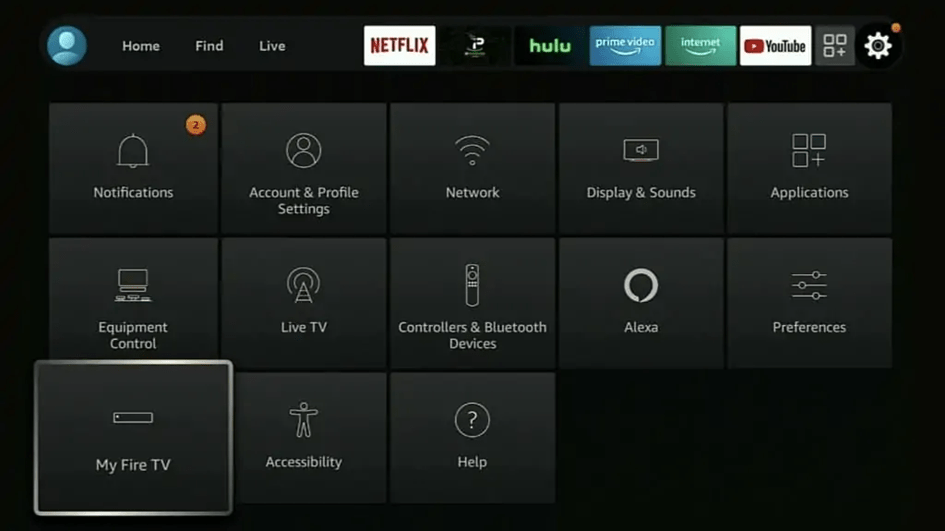
- Go to Settings from the home screen
- Select My Fire TV
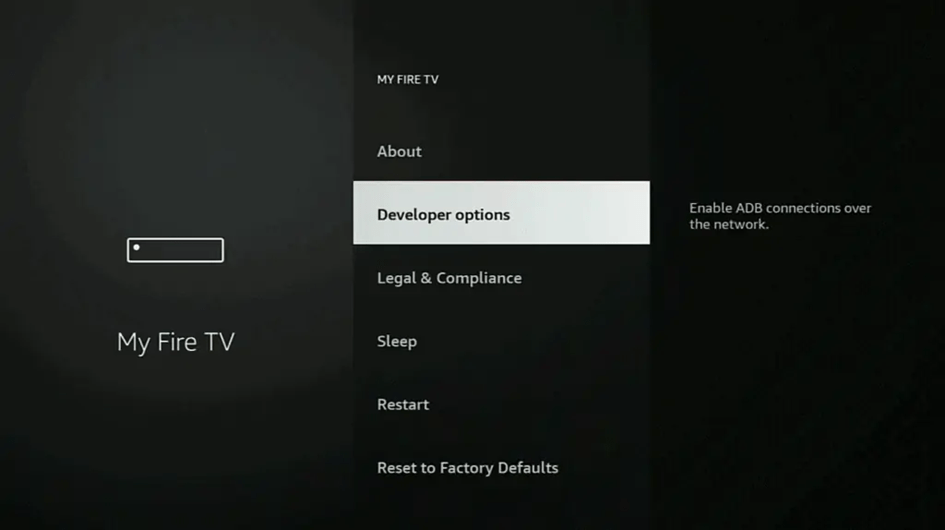
- Choose Developer Options
- Enable Apps from Unknown Sources
- Click Turn On to confirm
Install the Downloader App
- Search for "Downloader" from the home screen
- Select the orange Downloader app
- Click Get to install
- Open when installation completes
Part 2: Install IPTV Smarters Pro
Step 1: Download the App
- Open the Downloader app
- In the URL field, type:
troypoint.com/smarters - Press Go
- Wait for the APK file to download
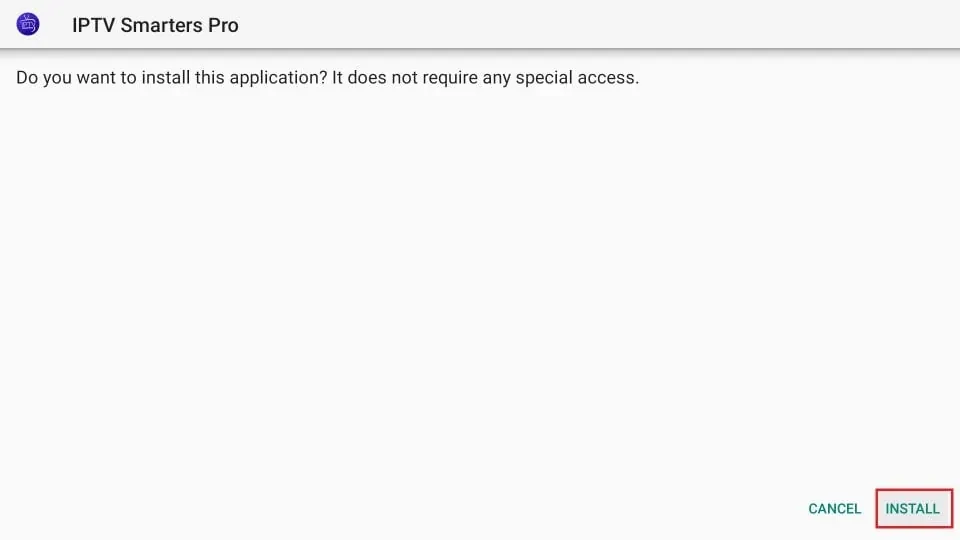
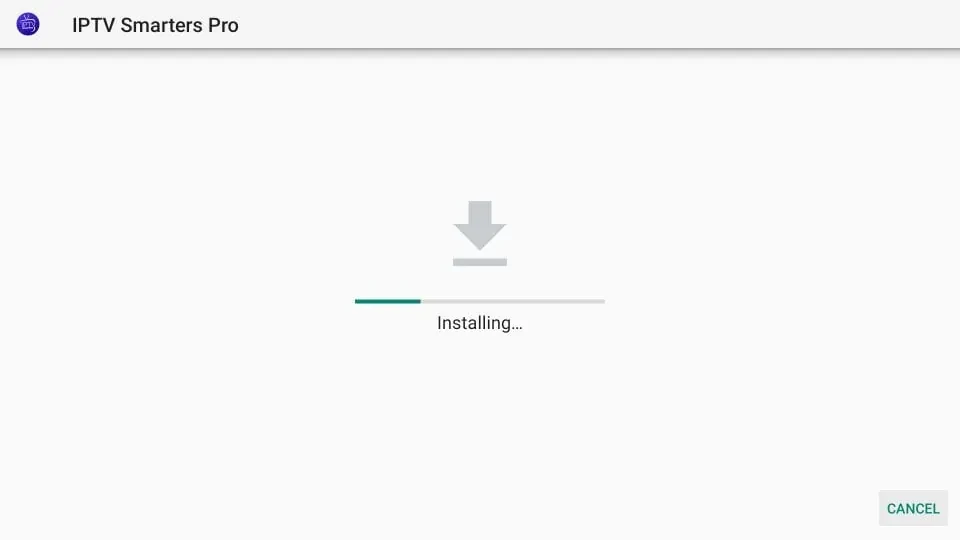
Step 2: Install the App
- When download completes, click Install
- Wait for "App installed" message
- Select Done
- When prompted, click Delete to remove the APK file
- Confirm by clicking Delete again
Part 3: Configure IPTV Smarters Pro
Step 1: Launch the App
- Go to Your Apps & Channels on the home screen
- Scroll to find IPTV Smarters Pro
- Select to open the app
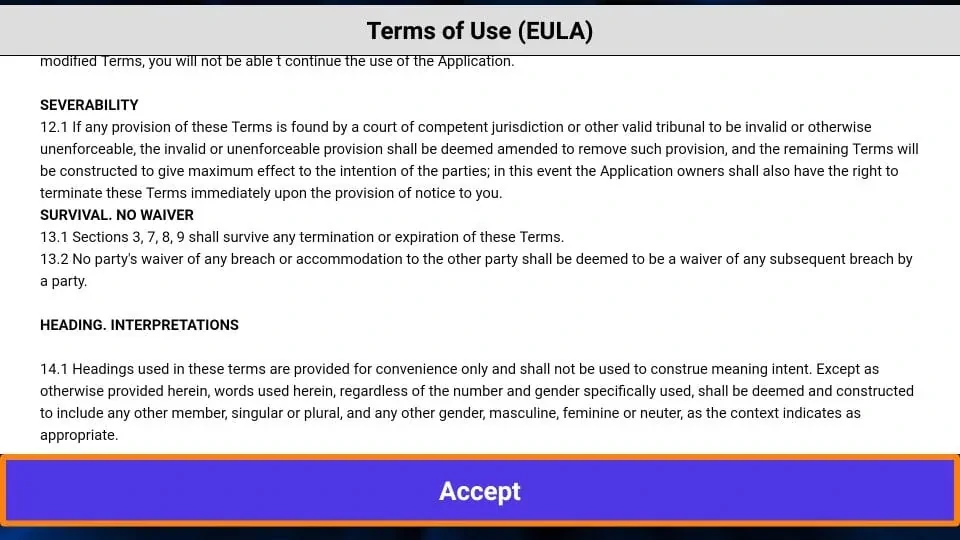
- Accept the terms and conditions
Step 2: Choose Login Method
IPTV Smarters offers two ways to add your subscription:
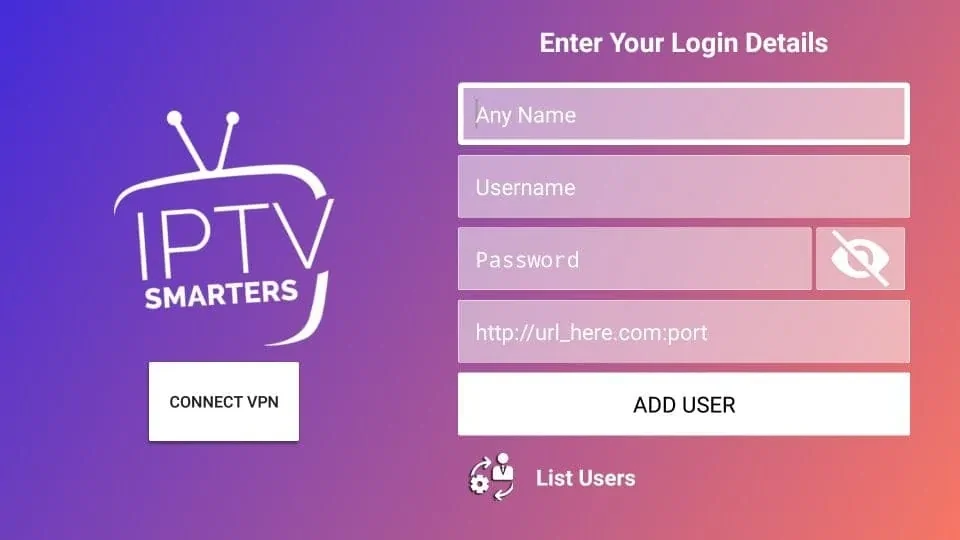
Option A: Xtream Codes API (Recommended)
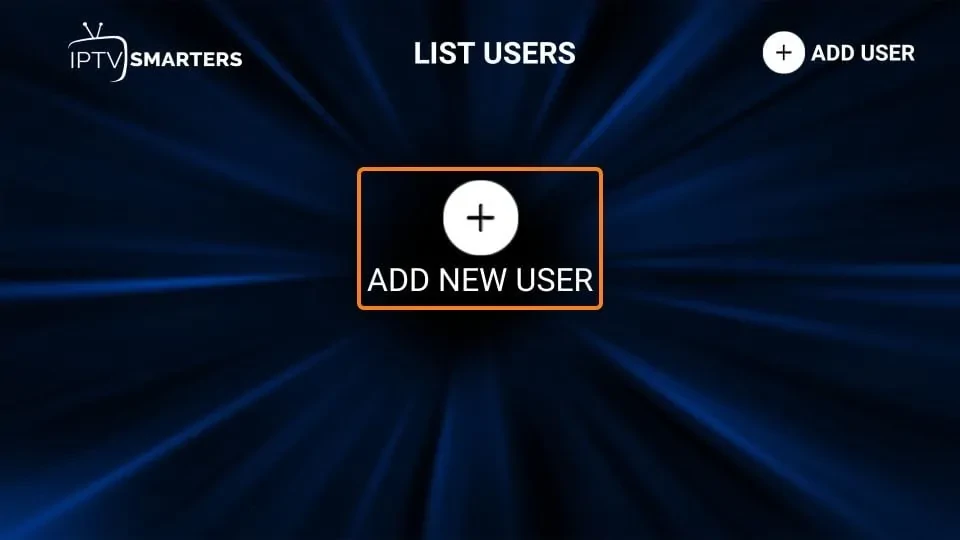
- Select Add User
- Choose Login with Xtream Codes API
- Enter your details:
- Any Name: Your profile name (e.g., "Apex IPTV")
- Username: Your IPTV username
- Password: Your IPTV password
- Server URL: http://server.com:port
- Click ADD USER
Option B: M3U Playlist
- Select Add User
- Choose Load Your Playlist or File/URL
- Select M3U URL
- Enter:
- Playlist Name: Any name you prefer
- M3U URL: Your full M3U playlist URL
- Click Add User
Step 3: Start Watching
- Select your newly added profile
- Wait for channels to load (may take 1-2 minutes)
- Browse by category:
- Live TV – All live channels
- Movies – VOD movie library
- Series – TV shows and series
- Click any channel to start streaming!
Navigating IPTV Smarters Pro
Main Dashboard Icons
- 📺 Live TV – Live channel categories
- 🎬 Movies – On-demand movie library
- 📺 Series – TV series with episodes
- ⭐ Favorites – Your starred channels
- 🔍 Catch Up – Previously aired content
- ⚙️ Settings – App configuration
Creating Favorites
- Navigate to any channel in Live TV
- Long-press the channel
- Select Add to Favorites
- Access favorites from the main menu
Parental Controls
- Go to Settings
- Select Parental Control
- Set a PIN code
- Lock specific categories or channels
Recommended Settings
For the best experience, adjust these settings:
- Settings → Player → Video Player: Try "VLC Player" if default has issues
- Settings → Stream Format: Keep on "Auto"
- Settings → Time Zone: Set to your local time for accurate EPG
Troubleshooting Common Issues
Login Failed?
- Double-check your username and password
- Verify the server URL includes the port (e.g., :8080)
- Ensure your subscription is active
- Try restarting the app
Channels Not Loading?
- Check your internet connection
- Clear app cache: Settings → Applications → IPTV Smarters → Clear Cache
- Remove and re-add your profile
Buffering Issues?
- Try changing the video player in settings
- Use an ethernet adapter for stable connection
- Close other apps consuming bandwidth
- Consider using a VPN if ISP is throttling
Need an IPTV Subscription?
Try Apex IPTV with IPTV Smarters Pro for a great free setup. Start with a 12-hour free trial!
Start Free Trial