
You've probably heard the term "IPTV" thrown around in conversations about streaming, cord-cutting, and the future of television. But what does it actually mean? If you're new to the world of internet-based TV, this guide is for you. We'll break down exactly what IPTV is, how it works, what equipment you need, and why over 30 million people worldwide have already made the switch in 2026.
What Does IPTV Stand For?
IPTV stands for Internet Protocol Television. In simple terms, it's a way to watch TV channels and on-demand content delivered over the internet, rather than through traditional methods like satellite dishes, cable wires, or antenna signals.
Think of it this way: just like how you stream music on Spotify instead of buying CDs, IPTV lets you stream TV channels and movies over the internet instead of relying on a cable box.
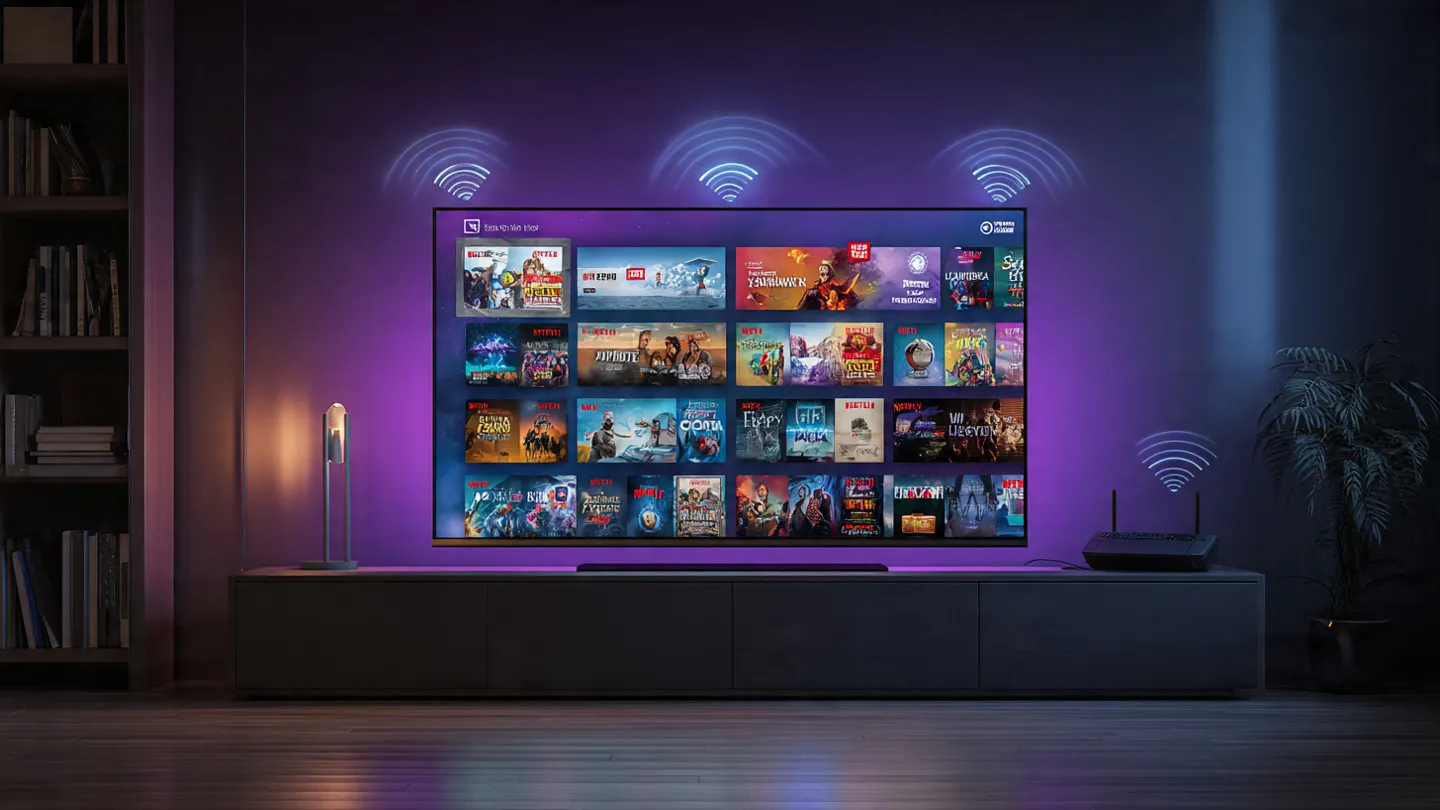
How Does IPTV Work?
Traditional TV broadcasts content through radio waves (antenna), light pulses through fiber (cable), or signals from satellites. IPTV is fundamentally different — it uses your internet connection to deliver content as data packets, the same way a website loads in your browser.
Here's a simplified breakdown of the process:
- Content is stored on a provider's server (live channels, movies, TV series)
- You request content through an IPTV app on your device (Firestick, Smart TV, phone)
- The server sends data packets over the internet to your device
- Your IPTV app decodes the data and displays it as video on your screen
Unlike traditional broadcasting where all channels are sent at once and you "tune in" to one, IPTV only sends the channel you're watching — making it much more efficient with bandwidth.
The 3 Types of IPTV
Not all IPTV is the same. There are three main categories you should know about:
1. Live IPTV (Live Television)
This is the closest equivalent to traditional cable TV. You watch channels in real-time as they broadcast — news, sports, entertainment, and more. The difference? It's delivered over the internet instead of a cable wire.
2. Video on Demand (VOD)
Think of this as Netflix or Disney+. You browse a library of movies and TV series, and you watch whatever you want, whenever you want. No schedules, no waiting — just pick and play.
3. Time-Shifted TV (Catch-Up TV)
Missed a live show? Time-shifted TV lets you rewind and watch broadcasts from the past 24–72 hours. Some services also offer Cloud DVR, letting you record live TV to watch later — just like a traditional DVR, but stored in the cloud.
💡 Did You Know?
Most modern IPTV services (including Apex IPTV) offer all three types bundled together, giving you live channels, a massive VOD library, and catch-up functionality in one subscription.
What Do You Need to Use IPTV?
Getting started with IPTV is surprisingly simple. Here's what you need:
1. A Stable Internet Connection
This is the most important requirement. For smooth streaming:
- SD quality: 5–10 Mbps minimum
- HD quality: 15–25 Mbps recommended
- 4K/UHD quality: 50+ Mbps recommended
We always recommend a wired Ethernet connection over Wi-Fi for the most reliable experience, especially for live sports.
2. A Compatible Device
IPTV works on virtually any internet-connected device:
- Amazon Firestick / Fire TV — the most popular choice
- Android TV Boxes — powerful and customizable
- Smart TVs (Samsung, LG, Sony, etc.)
- Smartphones & Tablets (iOS and Android)
- Computers (Windows, Mac, Linux)
- MAG Boxes — dedicated IPTV set-top boxes
3. An IPTV App (Player)
You'll need an app to receive and display the IPTV streams. Popular choices include:
- IPTV Smarters Pro — user-friendly with EPG support
- TiviMate — premium experience, great for Firestick
- XCIPTV Player — lightweight and fast
- Stremio — open-source with add-on support
- VLC Media Player — free and works on everything
4. An IPTV Subscription
Finally, you need an active subscription from a provider. Your provider will give you login credentials (usually an M3U URL, Xtream Codes API, or MAC address) which you enter into your IPTV app to connect.
IPTV vs. Cable TV: Why People Are Switching
The shift from cable to IPTV is accelerating in 2026. Here's why:
| Feature | Cable TV | IPTV |
|---|---|---|
| Monthly Cost | $80–$200+ | $10–$30 |
| Channels | 100–300 | 1,000–20,000+ |
| 4K Content | Limited | Widely Available |
| On-Demand Library | Small or Extra Cost | Massive (Included) |
| Multi-Device | 1 TV per box | Watch on any device |
| Contract Required | Yes (12–24 months) | No contract |
| Installation | Technician visit | Self-setup in 5 min |
Is IPTV Legal?
Yes — the technology itself is 100% legal. IPTV is simply a method of content delivery. Services like Netflix, YouTube TV, Hulu, and Sling TV are all forms of IPTV.
The legality depends entirely on the content source. Providers that license their content properly (like Apex IPTV) are completely legal. Services offering thousands of premium channels at suspiciously low prices without clear licensing may be operating illegally.
For a deeper dive, read our full guide: Is IPTV Legal in USA 2025?
How to Get Started with IPTV in 5 Minutes
Ready to try it? Here's the quickest path to get up and running:
- Choose a provider — Look for one with a free trial (Apex IPTV offers a 12-hour free trial)
- Pick your device — Amazon Firestick is the most popular and affordable option
- Install an IPTV app — We recommend IPTV Smarters Pro or TiviMate
- Enter your credentials — Your provider will give you login details
- Start watching! — Browse live channels, VOD, and more
Need help with setup? Check out our step-by-step Firestick setup guide.
Frequently Asked Questions
Do I need a special TV for IPTV?
No. Any TV with an HDMI port can work — just plug in a Firestick or Android box. If you have a Smart TV, you can install IPTV apps directly.
Does IPTV use a lot of internet data?
Streaming in HD uses roughly 3–5 GB per hour. 4K streaming uses about 7–10 GB per hour. If you have an unlimited internet plan, data usage won't be a concern.
Can I use IPTV on multiple devices?
Yes! Most providers (including Apex IPTV) support multiple simultaneous connections, so your family can watch different channels on different devices at the same time.
Do I need a VPN for IPTV?
While not strictly required for legal services, a VPN is highly recommended for privacy protection and to prevent ISP throttling. Read our VPN streaming guide for more.
Conclusion
IPTV is the future of television — and that future is already here. In 2026, it offers a dramatically better experience than cable at a fraction of the cost: more channels, more flexibility, more devices, and no contracts. Whether you're a sports fan, a movie buff, or just tired of paying $150/month for cable, IPTV is worth exploring.
Ready to experience it yourself? Apex IPTV offers a premium, buffer-free streaming experience with 20,000+ channels, 4K quality, and a 12-hour free trial to let you try before you commit.
Start Your IPTV Journey Today
Try Apex IPTV risk-free with a 12-hour trial. No contract, no commitment.
Start Free Trial